Q3 expense policy
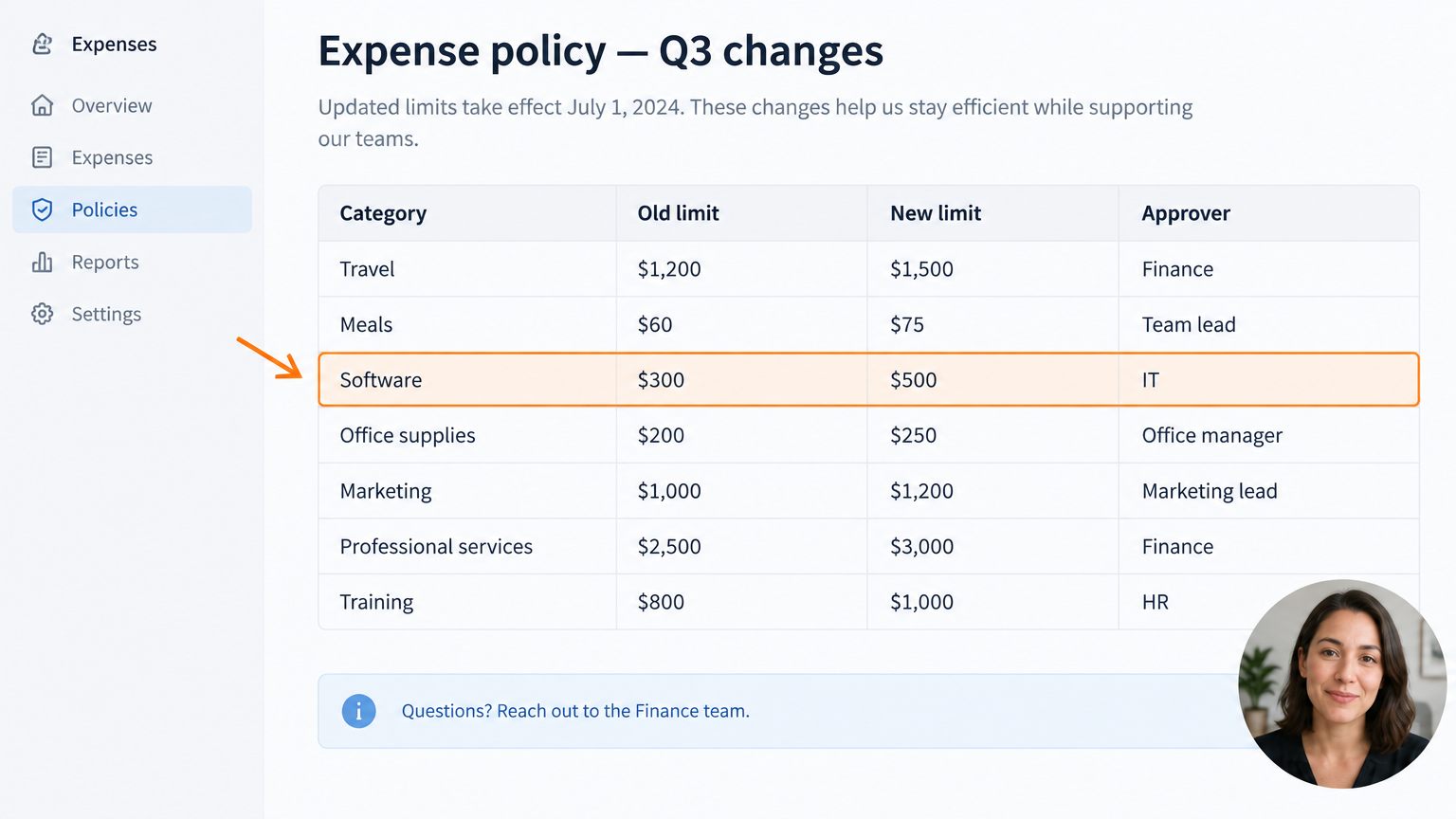
AI summary: software limit rises to $500, travel to $1,500. Claims move to the new form.
Screen recorder for Mac, Windows and web
Press a hotkey, share a link, and see who opened your video and who finished it. VidSeen reminds everyone else, so you never have to ask.
Free for 30 days · Cancel anytime before you're charged
AI summary: software limit rises to $500, travel to $1,500. Claims move to the new form.
Watched to the end
20%
Finished1 of 5
Opened4 of 5
Viewers
Press play on the video. You'll join this list.
How it works
Three steps, and the last one happens without you.
A 3-2-1 countdown, then you're recording, with your microphone and system audio. Pause whenever you need a breath. When you stop, the upload has already started.
The link is on your clipboard before the window closes. Paste it into an email, a Teams chat or a ticket. The page adds a transcript and an AI summary on its own.
See when each person first opened the video and whether they watched to the end. Anyone who hasn't finished gets a reminder on business days, so you never have to chase.
3 of 5 finished2 reminders sent
Features
VidSeen lives in your menu bar or system tray. Here's what it does.
A region or the whole screen, with microphone and system audio. Pause and resume as you go.
Capture a still, then add arrows, boxes, ovals and notes before it saves.
Select an error dialog or a paused video and the text lands on your clipboard. It runs on your device; nothing is uploaded.
Every share page explains itself, so people can skim before they press play.
Send a video to a distribution group, see who's done, and let reminders handle the rest.
Send a request link. They record in the browser with no account and no install, and the video comes back to you.
Use cases
For support teams
Paste a request link into the ticket. The customer records their screen in the browser, and you get the screen back instead of another email thread.

Forklift safety refresher
9 of 12 finished3 reminders due Thu
For training
A policy update, a new process, a safety walkthrough. Assign it once. VidSeen tracks who finished and nudges everyone who hasn't.
The short version
30 days
Free on every plan, for up to 3 people. Cancel before day 31 and you pay nothing.
0 installs
For the people you ask to record. They use the browser, with no account.
2 days
Between reminders, on business days, until everyone has finished.
3 platforms
Mac, Windows (x64 and ARM) and the web. The apps update themselves.
Pricing
Every plan includes recording on Mac, Windows and the web, transcripts and summaries, and viewer tracking.
For one person
$9.99/ month
Start free trialFor teams
Per seat, billed monthly
$11.99/ seat / month
Start free trialFor organizations
$15.99/ seat / month
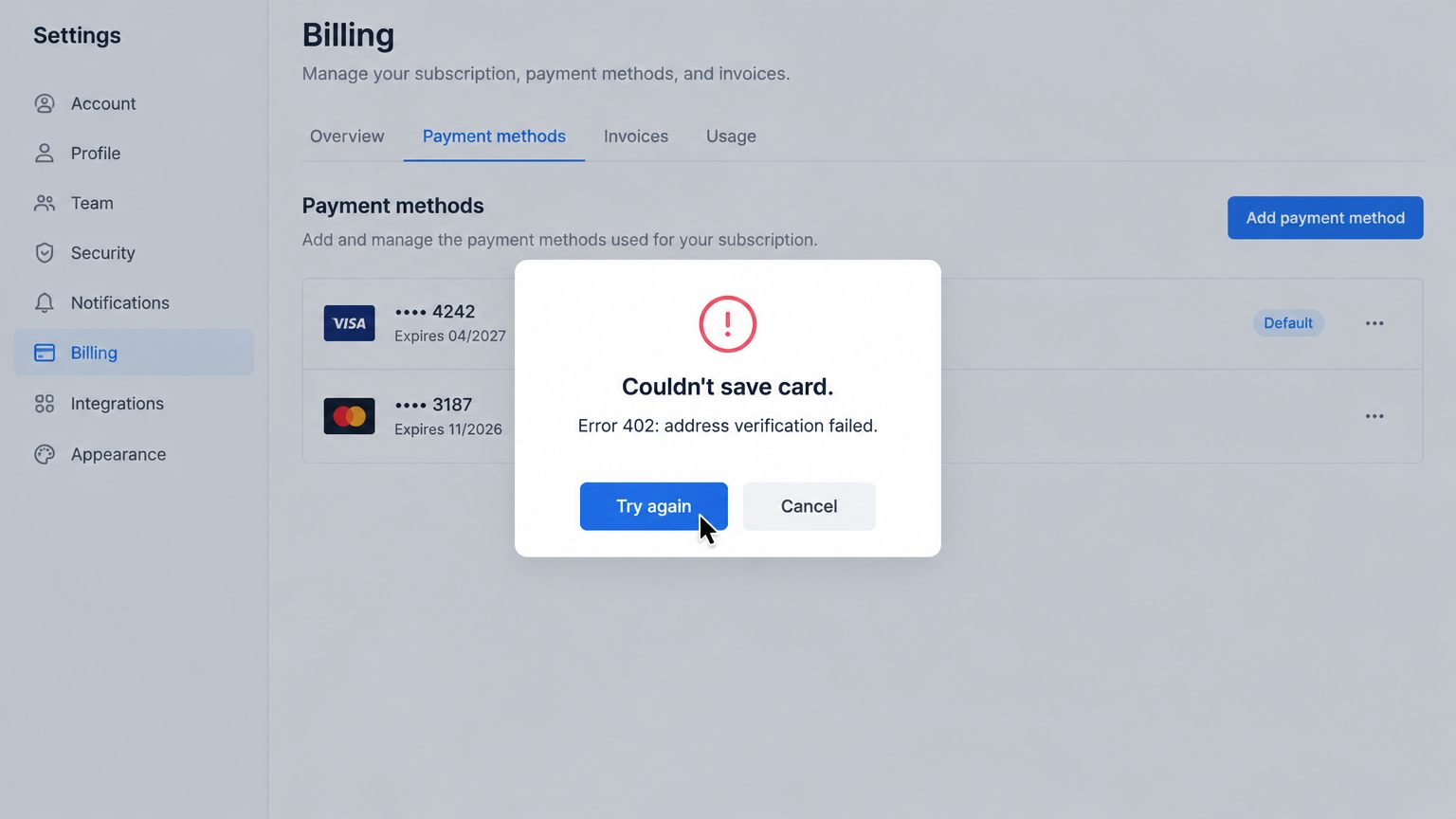
Start free trialCard required for the trial. Cancel from the Billing page before day 31 and you're never charged. Prices in US dollars. Bigger team? Talk to us.
Customers don't: customer view links open without signing in, and opens are still tracked. People you assign a video to sign in with their own work account, so the view counts as theirs.
No. Assigned viewers sign in before a watch counts, so link scanners that open every URL never show up as watched.
Every plan starts with a 30-day free trial for up to 3 people. A card is required; cancel from the Billing page before day 31 and you're never charged.
No. Text recognition runs on your Mac or PC. Only the text you select reaches your clipboard.
Anyone assigned who hasn't finished gets a reminder every two business days. You get a summary of what's outstanding on Friday, and reminders stop when the last person finishes.
Loom is a strong async recorder with a better editor, comments and mobile apps. VidSeen is for the video that has to be watched: it assigns a list of people, asks questions, reminds the rest, and lets customers record for you without an account. Full comparison.
Mac with Apple silicon on macOS 15 or later, Windows 10 or later on x64 and ARM, and any modern browser.
Install in a minute; there's nothing to configure. Start your 30-day trial today.